-
Drag, Drop, and Create
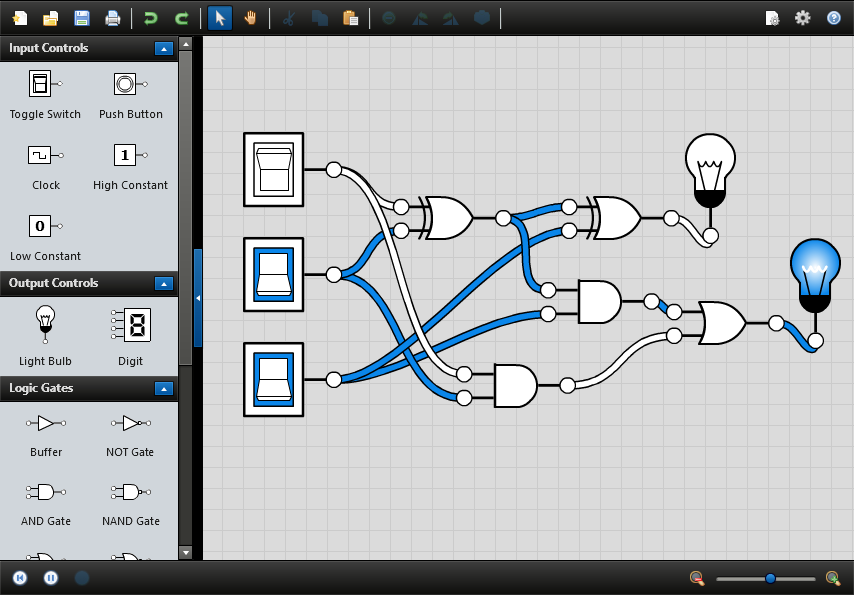
Build and simulate basic logic circuits with just a few mouse clicks. Drag components into the editor. Then draw connections between them. It’s easy to zoom, pan, and rotate too.
-
Control the Simulation
Watch the simulator run in real time, or pause it to advance step by step at your own pace. Control clock components and drive signal propagation with a click of your mouse.
-
Save and Open Circuits
When you're finished designing your circuit, you can save it to your hard drive. Great for handing in homework assignments and providing a starting point for lab activities.
-
Relax, It’s Cross-Platform
Install Logicly on Windows, Mac OS X, or Linux. Perfect for student personal computers, and environments with a variety of different hardware and operating systems.
-
Logic Gates
Build logic circuits with a variety of gates, including AND, OR, XOR, NAND, NOR, XNOR, and NOT. Use either ANSI/IEEE or IEC symbols.
-
Flip-flops
Need to build something a little more complex? Logicly also offers pre-built SR, D, JK, and T flip-flops with preset and clear inputs.
-
Input and Output
Toggle switches, clocks, and buttons change the state of the circuit, while light bulbs and 4-bit digits provide human-readable output.
-
It is so nice to let students tinker in a simulation and then reproduce their work with a live circuit. It really helps them build confidence since they aren't worried about electronic "gremlins" or other gotchas.
—Andrew M.C. Dawes, Pacific University -
I just wanted to thank you for creating the Logicly gate simulation. I am an IT teacher using it with my sixth grade students. It is an incredible resource.
—Michael Gamson, Hillel School of Tampa
Students and educators around the world enjoy learning with Logicly. Download a free trial or Buy Logicly for $29.